Lifts
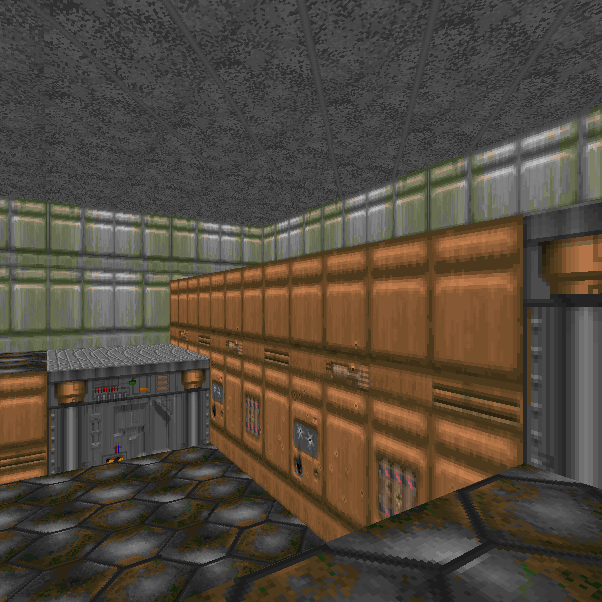
Method
Enter vertex edit mode and create the lift platform. This can be a simple split of a raised sector:
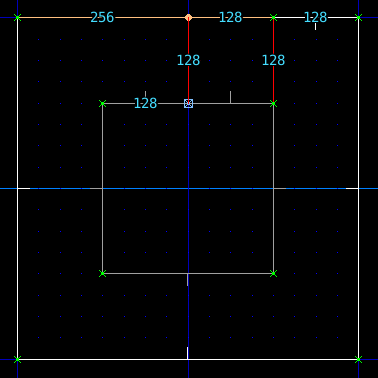
Ensure the Linedef on the front of the lift is facing outward. A lift is triggered from the Front Linedef.
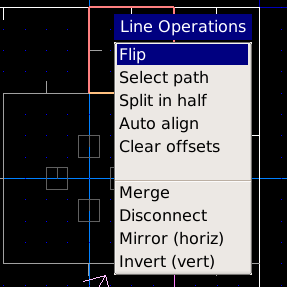
If the Linedef is facing the wrong way, you can select it and press F1 for the operations menu, and select Flip:
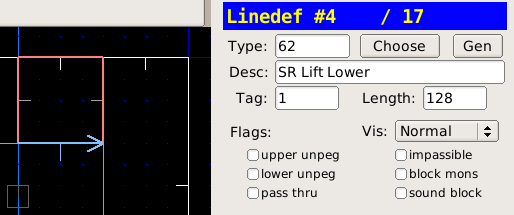
Enter Linedef edit mode, select the front of the lift
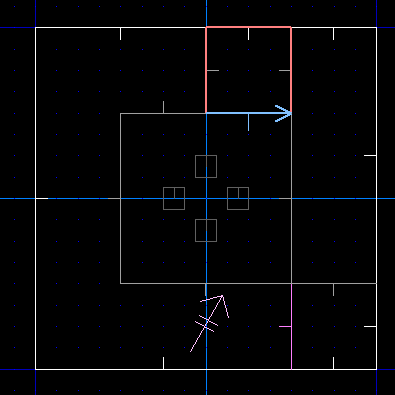
Choose the Type as 62 SR Lower Lift
Press ; then f to apply a fresh tag to the Linedef
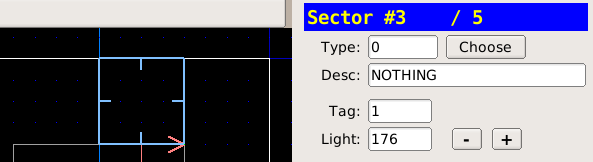
Enter sector edit mode (s), select the lift sector
Press ; then l to apply the last tag to the sector
Note
The SR line special indicates Switch Repeating, so the lift can be used over and over.